Weekly report to the director
On the day and at the time you choose, the director receives the attendance PDF for all sites on WhatsApp.
CONEXICA AI
Running on site since July 2026
Site attendance and daily log on WhatsApp
Your crew logs in from their phone, with location and photo. You see everything in one panel and get the reports without chasing anyone.
For builders, contractors and site HR teams.
The problem
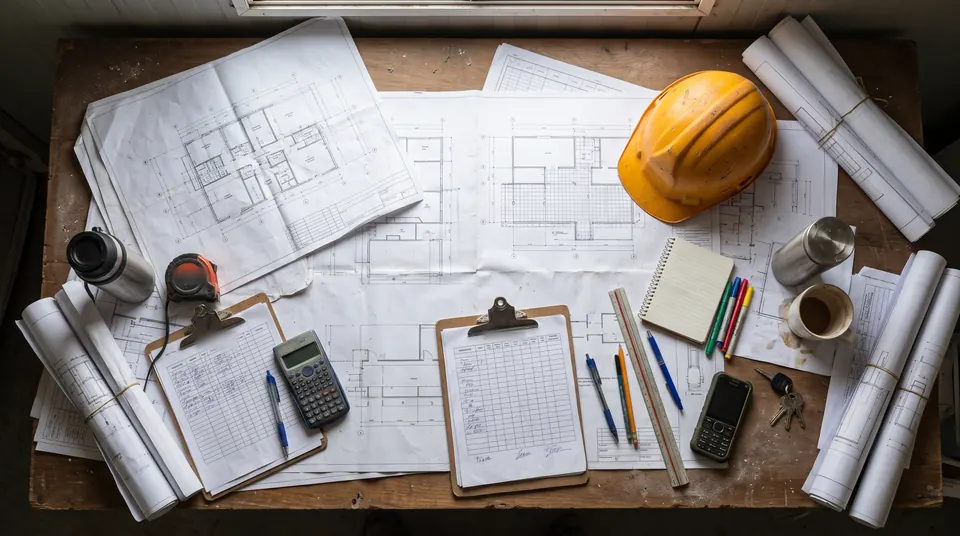
Attendance and progress on a work front are usually tracked on paper, in chats and in spreadsheets. By the time the information arrives, it is too late to act.
Duplicate entries, signatures that are hard to verify and days spent consolidating the week.
Nobody can prove where or when each person clocked in.
Today's progress arrives tomorrow, by phone call or in a loose message.
Photos, notices and urgent issues get lost in personal chats.
How it works
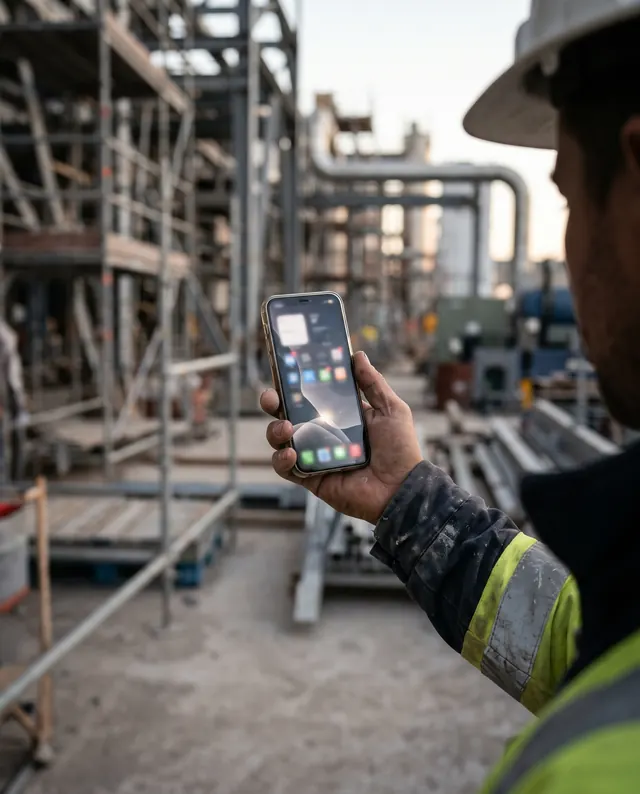
There is no app to install and no long training: a numbered menu guides every step from the worker's own WhatsApp.
Clock-in, notices, urgent reports and clock-out through a numbered menu. Nothing to install.
Every record keeps its photo, map location, site and Mexico City time.
Real-time panel, automatic weekly report and an alert to the site lead about who is missing.
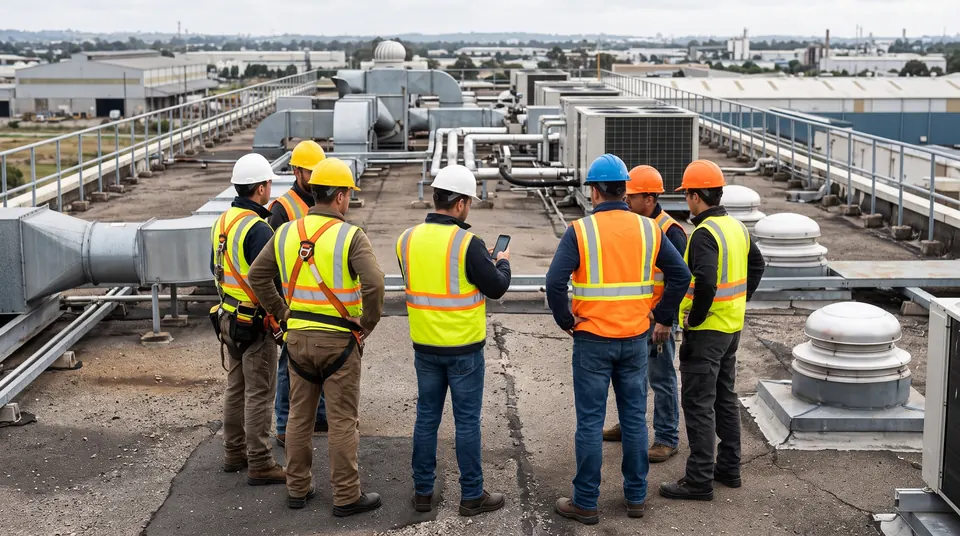
Built for construction sites, not adapted from the office: photo of the work front, location and a log of progress and pending tasks when the shift closes.
A day on site
Real assistant flow (Spanish original, translated here), with sample data.
One number, the location and a photo of the work front: the clock-in is recorded with evidence.
 CONEXICA Assistant
Site notices and urgent reports from the same chat, saved in the day's log.
CONEXICA AssistantAt closing: a photo of the progress, what was achieved and what is pending. The log builds itself.
CONEXICA AssistantChecks who is present and who is missing in their crew, and sends a reminder to whoever hasn't logged in.
CONEXICA AssistantRunning in the real world
Aggregated data from a company that uses the assistant on its sites. No names or personal information.
Figures as of October 24, 2026.
Next step
We show you the full flow with your own site structure and decide together what to customize.
AI-generated illustrative images. Panel screens and conversations use sample data. Figures come from a real operation and are aggregated, with no personal data.